A till that keeps taking payments when the internet goes down.
On an Android tablet or in a browser: the floor plan, tabs per table, sending to the kitchen, payment and the receipt. Every team member signs in with their own code, and every sensitive action leaves a trace under their name.
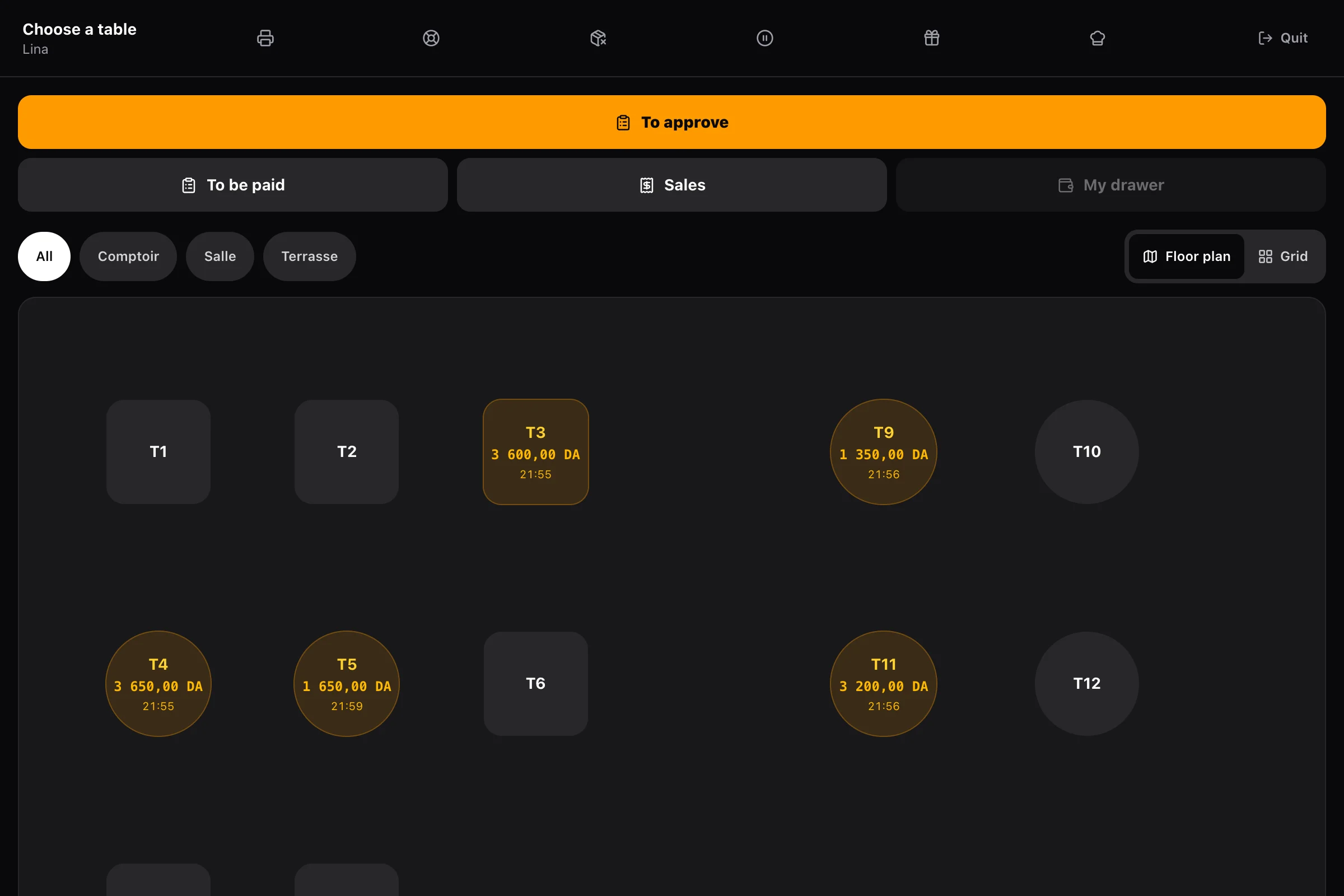
Silent video of the Alcess till on a tablet. From the floor plan, table T1 is opened and the order taken: a cappuccino, a medium Burger Nour. The order goes to the kitchen. In “To be paid”, the table pays by card on the bank terminal; the till confirms the payment and shows the receipt, with its number, VAT, payment method and the fingerprint required by art. 51 bis of the CTCA.
One table, from the first dish to the receipt.
What a server does during service — and what the till does for them.
- 01
They open the table
From the floor plan, they tap the table, enter the number of covers if they wish, and the tab opens. It stays open for the whole meal, on any tablet in the room.
- 02
They take the order
Dishes, options, cooking, extras and set menus. An allergy reported by the table is noted on the order, and the dishes that contain it are flagged.
- 03
They send it to the kitchen
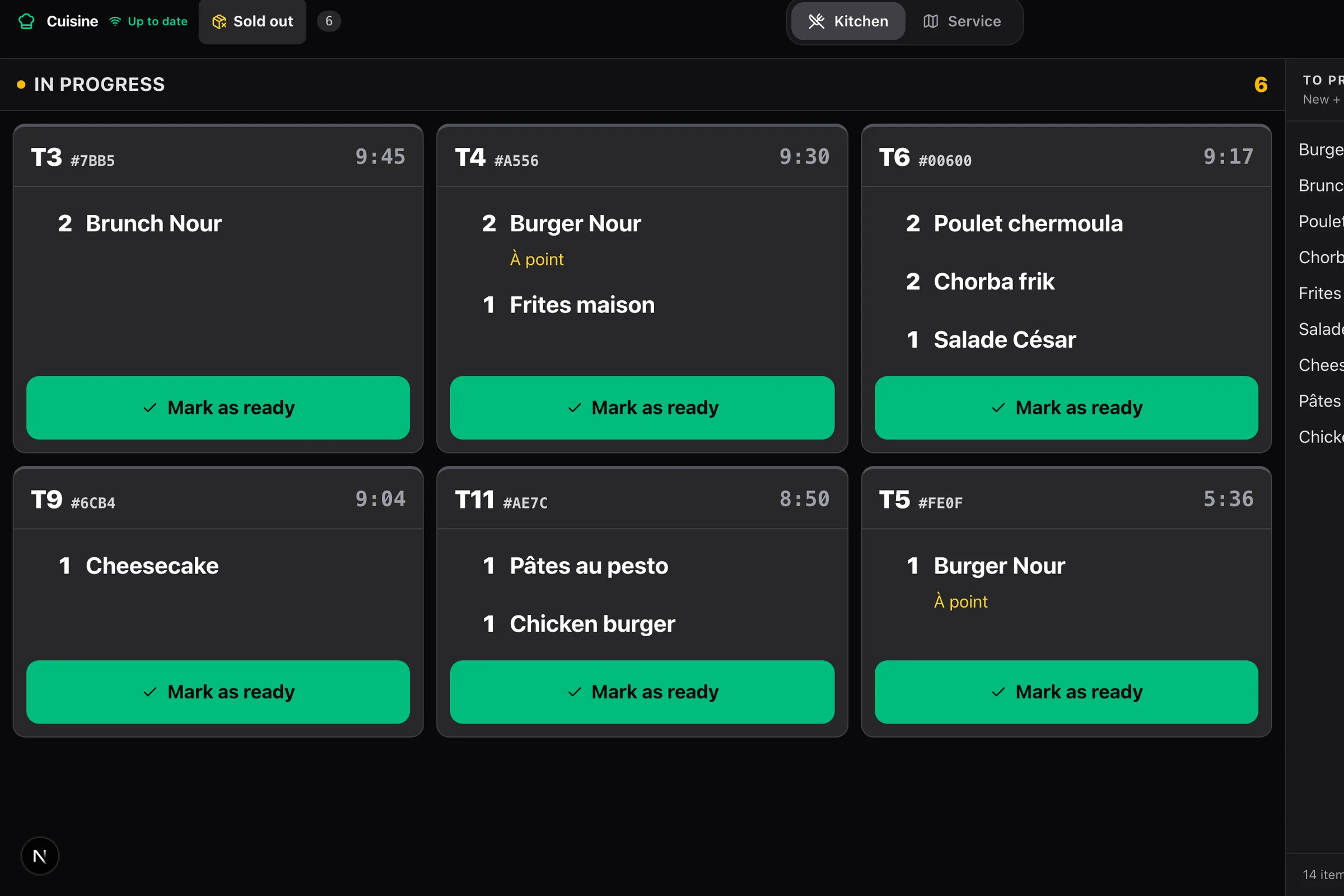
Each dish goes to the screen of the station that prepares it. The next course leaves when they send it: the main does not come out before the starter has been served.
- 04
They take payment
Cash, card, QR or gift card, all at once or in several payments; each guest can pay their share. The receipt prints, and the drawer opens on a cash sale.
Offline, the sale goes on.
When the network drops, the till keeps every sale in a queue on the tablet, numbers it in its station’s series, signs it and prints the receipt. When the network is back, everything goes to the server, with nothing to re-enter.
- The receipt printed offline is the same document as online, with every mandatory detail
- Each station has its own number series: two tills cut off at the same time never clash
- At shift change, the next team member enters their code, even without a network
Chez Yacine
Alger-Centre, Alger
NIF 000016001234567
NIS 000016009876543
N° registre du commerce 16/00-1234567 B 21
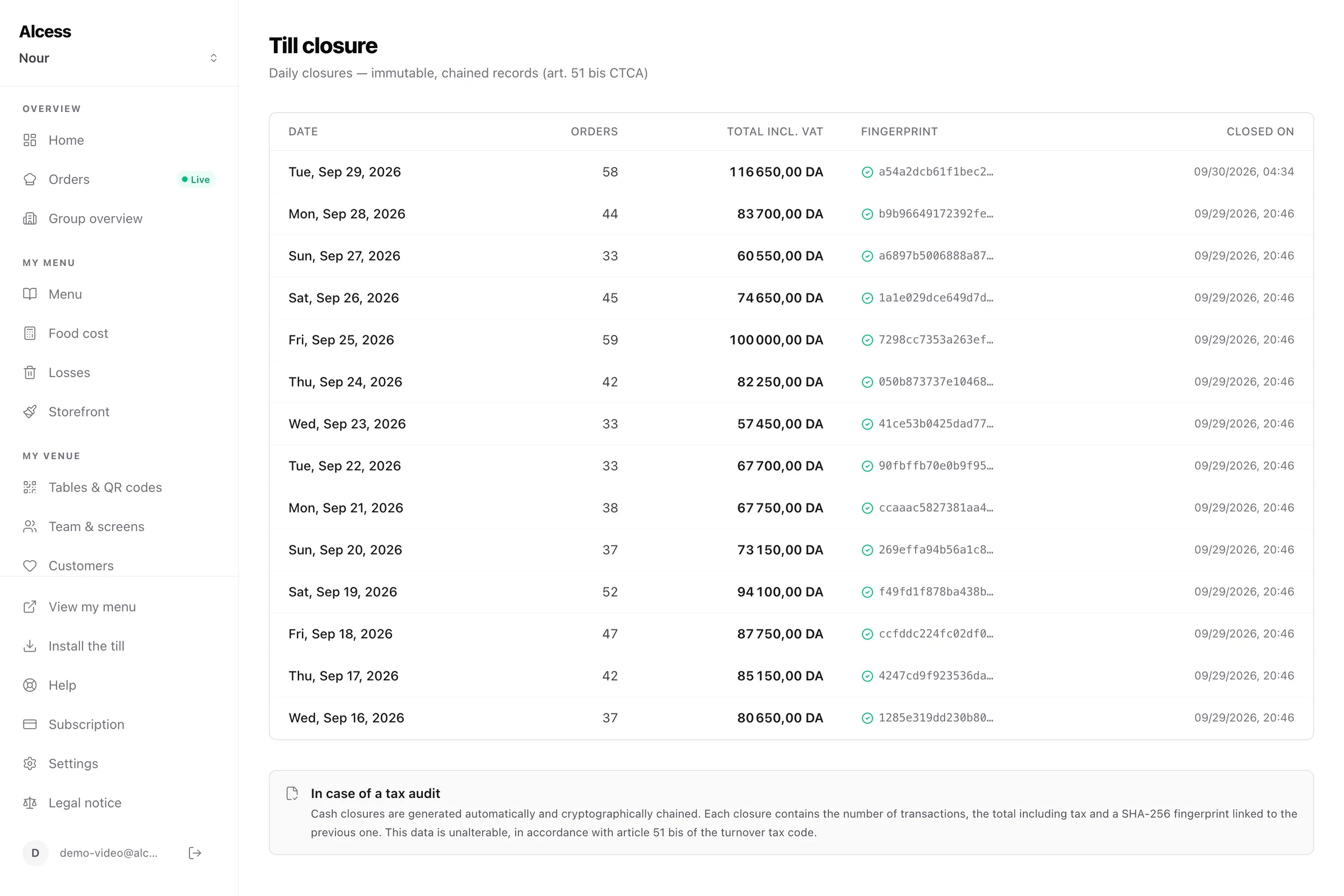
Conforme art. 51 bis du CTCA
Payment, the way it happens at the counter.
For cash, the till shows the change to give back before you confirm. A tab is paid all at once, with several payment methods, or share by share — by ticked dishes or in equal parts — and remains a single sale with a single receipt.
- Cash, card, QR payment and gift card
- Promo code applied to the tab, gift card balance on request
- When a guest says they paid and nothing arrives, the till checks with Chargily
The drawer is there to spot a shortfall.
The till opens with a float and closes with a blind count: whoever counts does not see the expected amount, and the difference appears afterwards. Every change top-up, every cash withdrawal, every no-sale opening carries a reason and a name.
- Opening the till, taking cash out, opening the drawer without a sale: three separate permissions
- X report for the day, for those allowed to see it
- Movements count in the variance: nothing gets lost between two columns
Everyone has their own code and permissions.
Servers take orders and payments; refunds, discounts and the drawer stay locked until you grant them. A team member without the permission can have a colleague who has it enter their code: the log keeps who did it, and who allowed it.
- Personal four-hour session, closed if the tablet is revoked
- Discounts and removed items carry a reason: sent back, failed, dropped, mistake
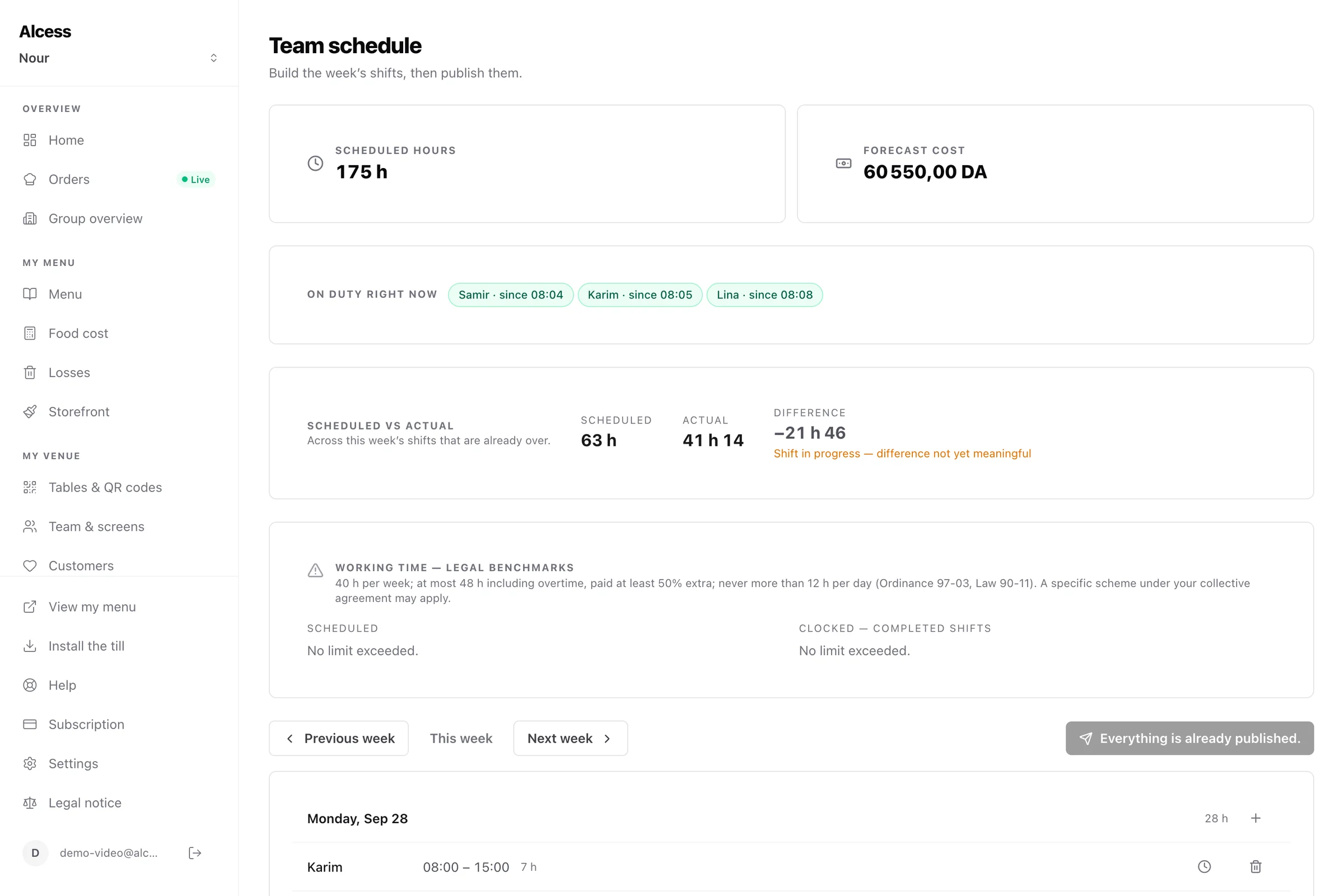
- Clock in and out from the till, with their schedule at hand
Everything the till does
Floor plan
Tables by area and their status at a glance, with QR orders waiting for approval when you take payment at the counter.
Transfer and merge
A tab moves to another table, two tables become one, with nothing to re-enter.
Remake a dish
A dish sent back, failed or dropped goes back to the kitchen on a 0 DA remake ticket; the tab does not change and the loss is recorded.
Open-price item
The “miscellaneous” item sells at the price typed in, with its description, and is logged under the seller’s name, even offline.
Out of stock
A dish, an option or a whole category removed from the menu mid-service, from the till or from the kitchen.
Refund and credit note
A refund issues a credit note numbered in the same sequence as sales; an order never paid is cancelled with its reason.
Frequently asked questions
All questionsWhich devices does the till run on?
On an Android tablet with the Alcess app, or in a browser on a computer. To print, you need the Android app, or Chrome or Edge on a computer: Safari, on iPad as on Mac, cannot reach any printer. On iPad, the till sells and takes payment, and the receipt remains available through its link.
How long can it stay offline?
Sales build up in the tablet’s queue and go out when the network returns. A team member can take over the till offline if they signed in online on it within the last 72 hours. Install the till as an app: the tablet then protects its data.
Can I have several tills?
Yes. Each tablet is a station, with its own number series, till session and drawer. A tab opened on one can be picked up on another.
How do I add a team member?
From the Team screen of the dashboard: a first name, a personal code and permissions ticked one by one, starting from a template — server, kitchen, manager. They then sign in on any enrolled tablet of the venue.
The rest of Alcess
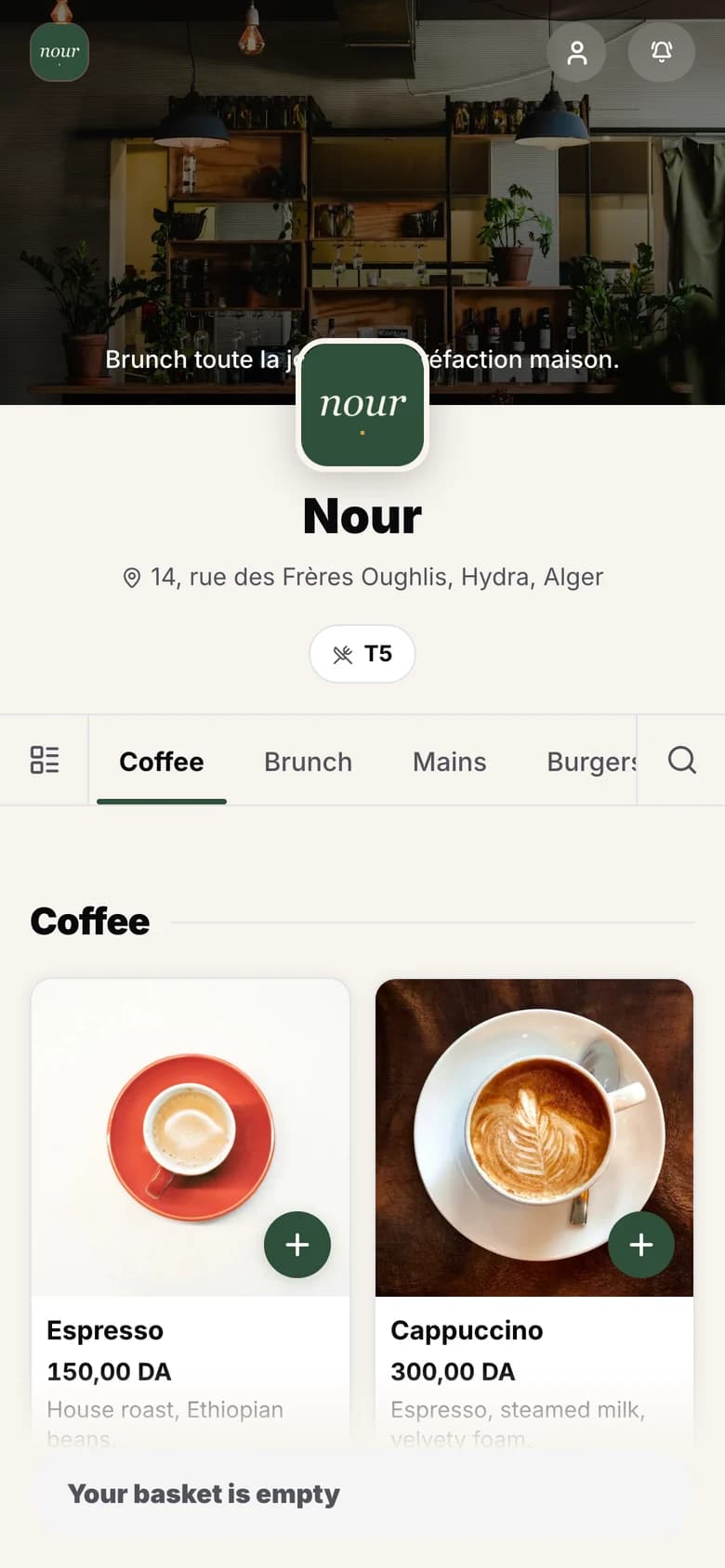
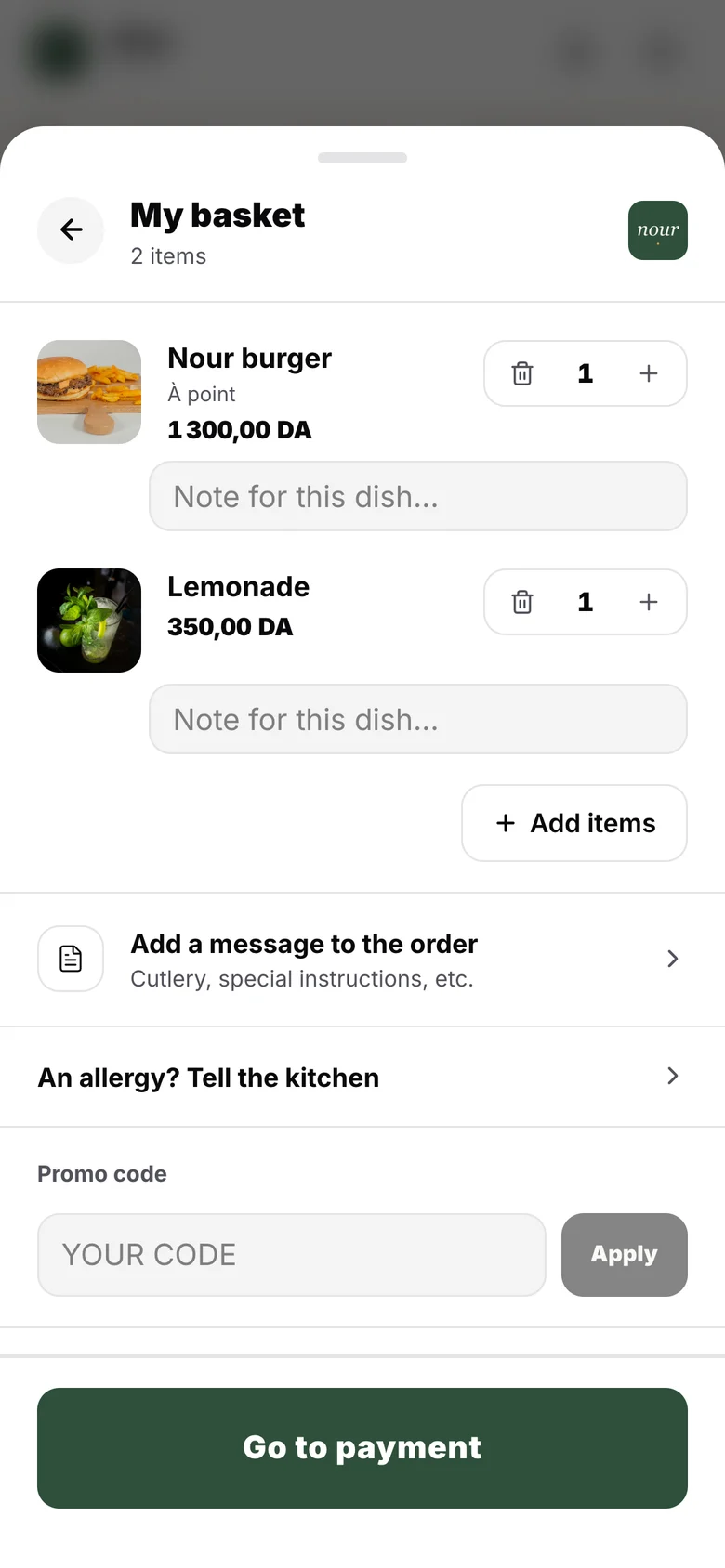
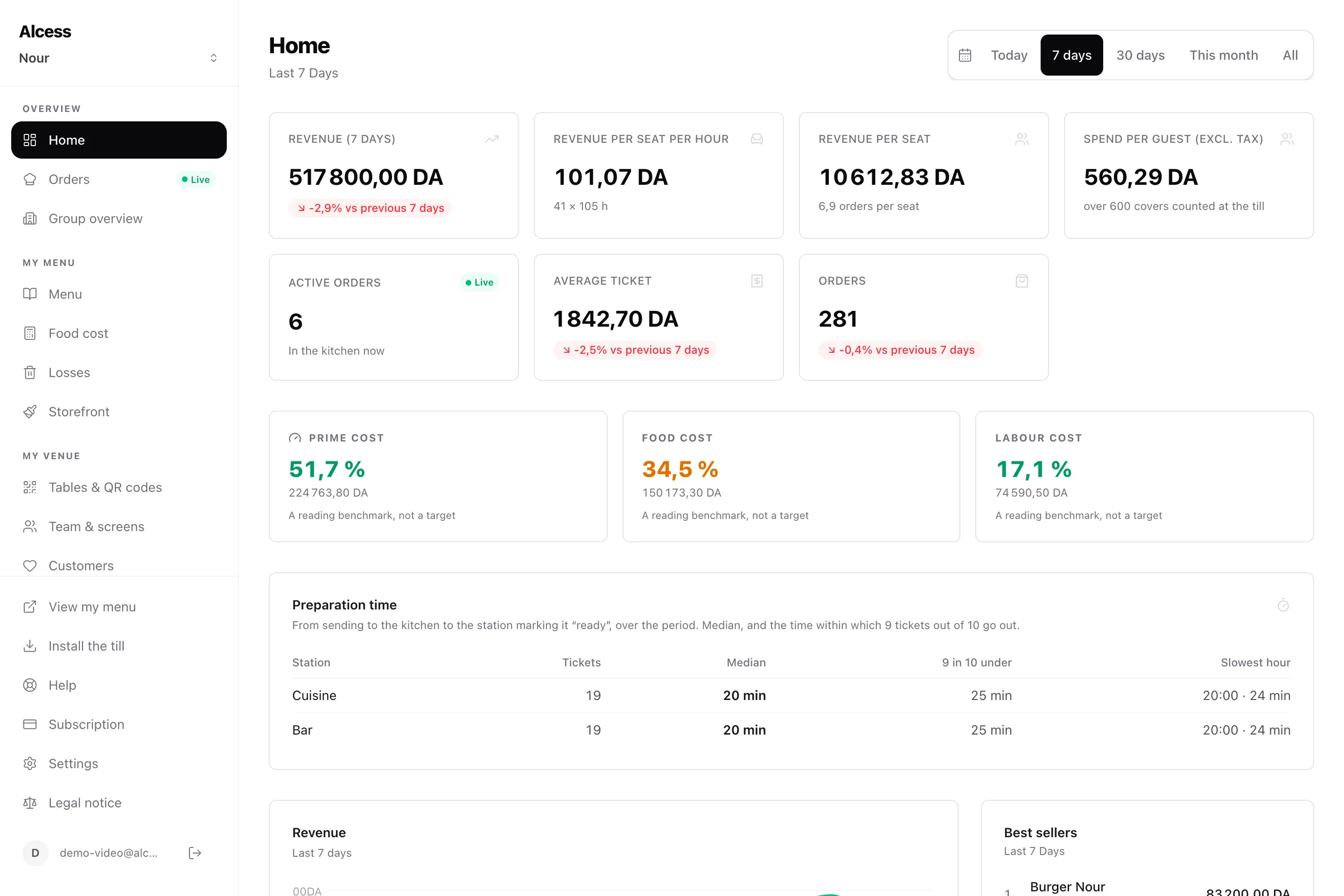
One menu, one team, one register: every part builds on the others.
Your restaurant can run on Alcess tonight.
You pay, you set up your menu, you install the till and the kitchen screen: the first receipt comes out the same day.
No commission · No commitment · No kiosk to buy