Each station gets its tickets, and nothing else.
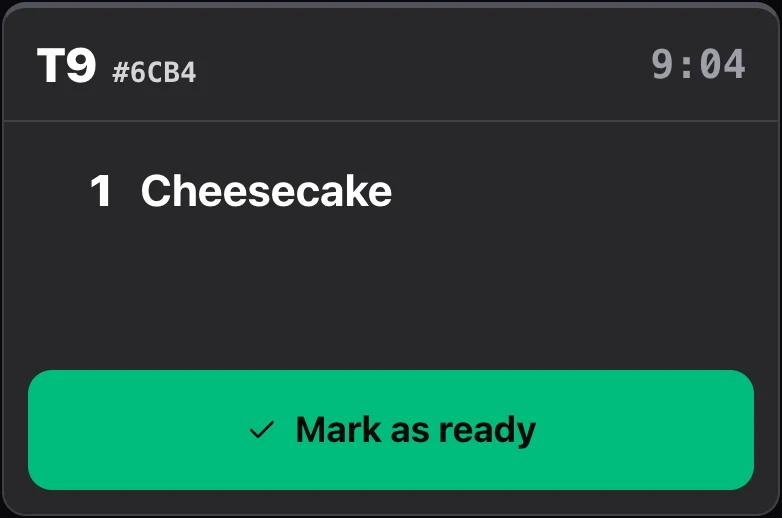
Hot, cold, bar, pastry: each station has its screen, and each ticket arrives there as soon as it is sent, whether from the till or the QR code. One tap marks it ready. No more lost tickets, no more orders shouted across the room.
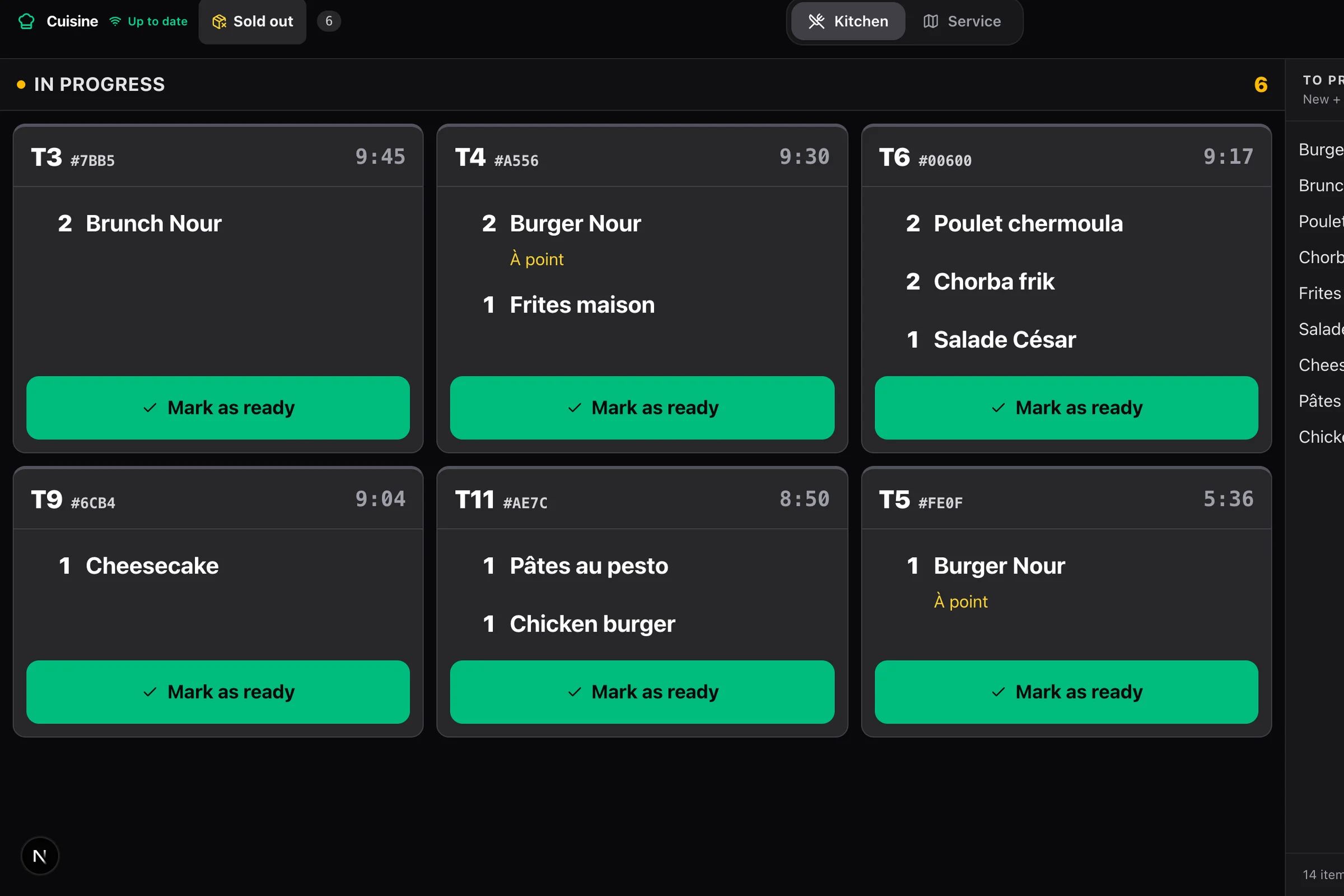
One ticket, from sending to the pass.
What the kitchen sees during service.
- 01
The ticket arrives
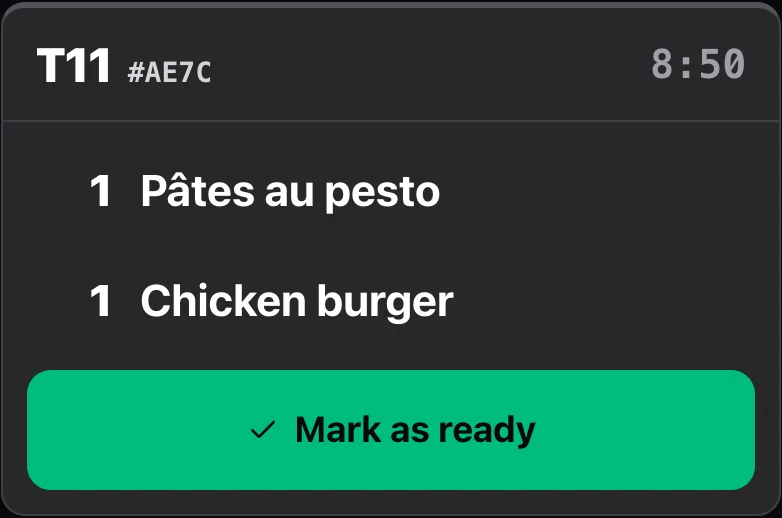
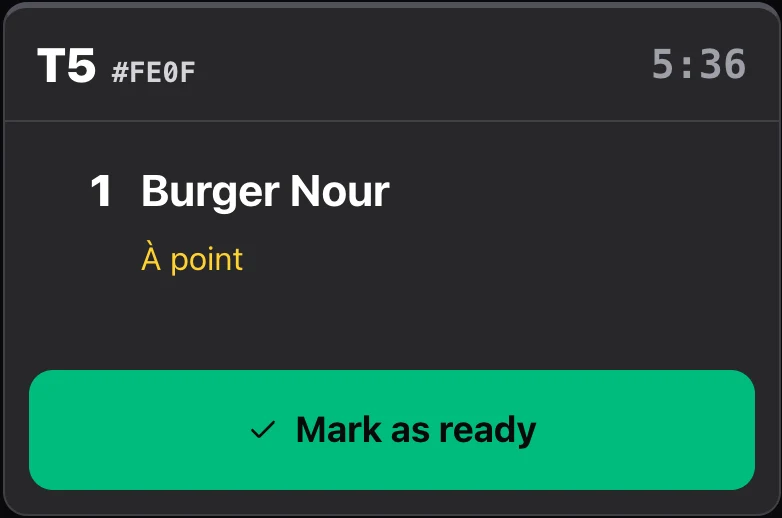
It appears on the right station’s screen and chimes once. The table is shown large, each item on its own line, the quantity always written.
- 02
The station cooks
The timer runs from the ticket’s arrival. Options and the guest’s note stand out in a single colour; an allergy, in red, at the top.
- 03
One tap: ready
One tap marks the ticket ready and clears it from the screen. A mistake? The Recall button brings back the last finished tickets.
- 04
The floor is told
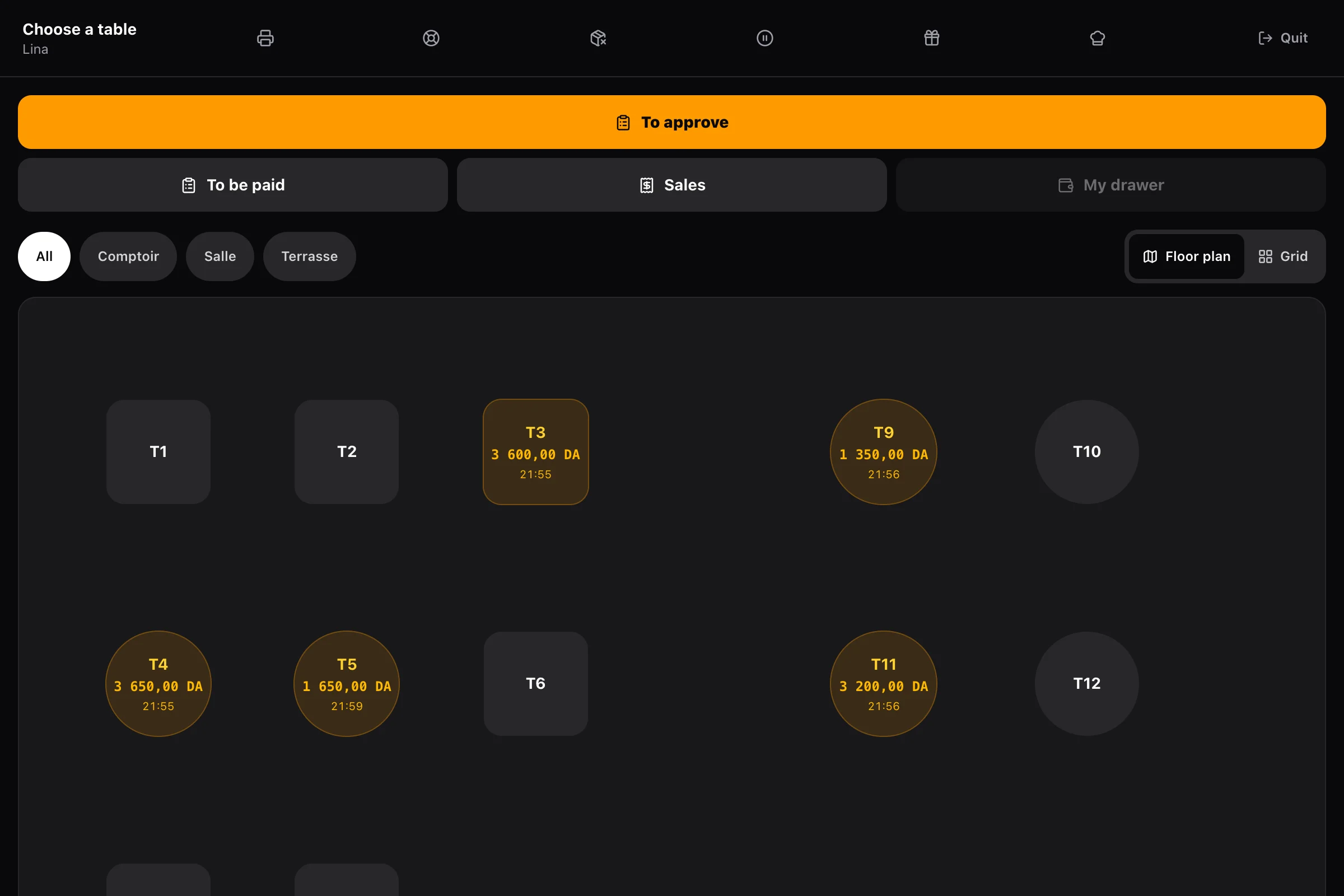
When every station is done, the order is ready: the till sees it, so does the guest on their phone, and the call screen shows its number.
One screen per station, one gesture.
Each dish is linked to the station that prepares it: the grill does not see desserts, the bar sees only drinks. The screen has one area and one gesture — what needs doing, and the button that finishes it.
- A “to prepare” panel totals everything waiting, item by item
- The pass sees the whole order and what each station has already finished
- Tickets can also print at the pass
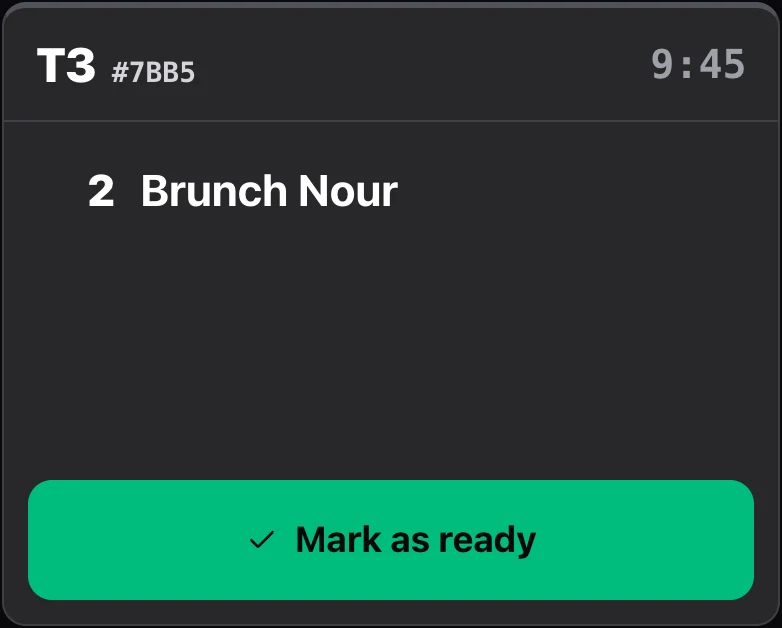
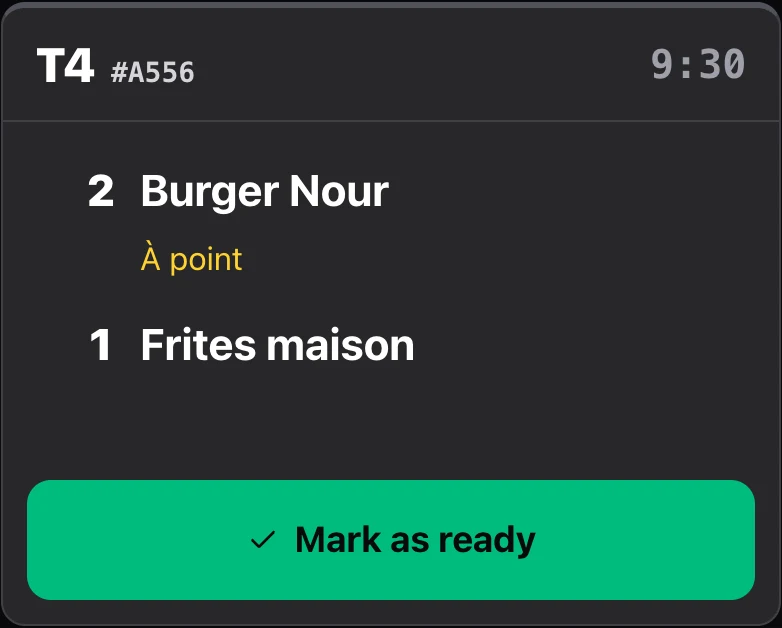
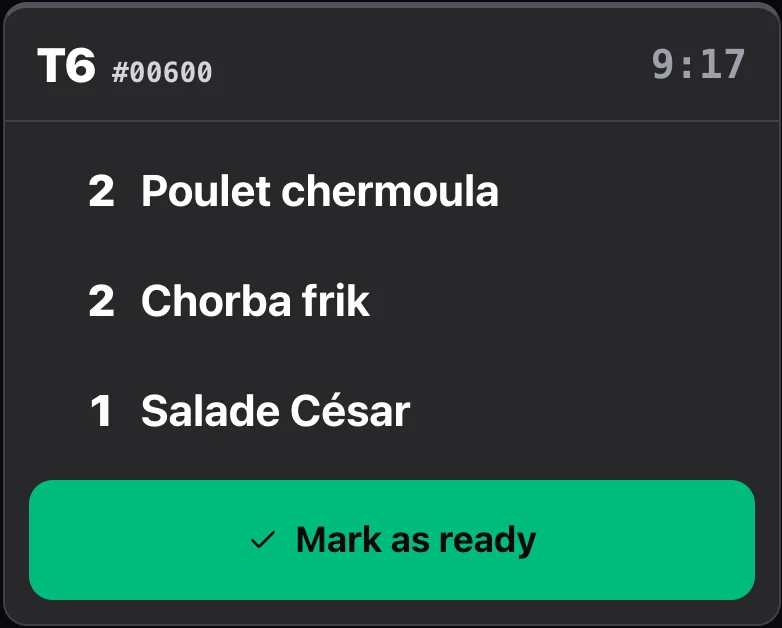
Coursing.
The starter goes when the order is taken; the main, when the server sends it. The next course arrives as a new ticket, timed from its arrival, and reopens the stations that must prepare it — even if the starter was already served.
- What already went out is marked “Already out”
- A remade dish arrives marked “Remake”
- Stock is drawn down line by line, at the moment of sending
Allergies don’t get lost.
An allergy reported by the table, from their phone or at the till, shows in red at the top of the ticket, on screen as on paper. The dishes that contain the allergen are flagged.
- Fourteen allergens, named in each person’s language
- Health data erased two days after the order
- Never stored in the guest’s basket
Sold-out items are flagged from the kitchen.
Out of salmon? The Sold out button removes the dish, or the option, from the menu and the till instantly. A station that is down removes its whole category in one gesture. Everything comes back on the menu the next day.
- Same panel as at the till: the floor and the kitchen see the same thing
- A sold-out option removes the dish that requires it
- Dishes sold out the day before come back on the menu automatically
Setup and tracking
Any screen
A tablet, a computer or a TV with a browser. Recommended: an Android tablet with the Alcess app in screen mode, which stays on and restarts by itself after a power cut.
Linked by a code
The screen shows a six-character code; you accept it from your settings. No link to pass around.
Recognised team members
Each cook identifies with their code: progress on a ticket is in their name.
Call screen
A screen in the room shows the numbers of ready orders, for the counter and takeaway.
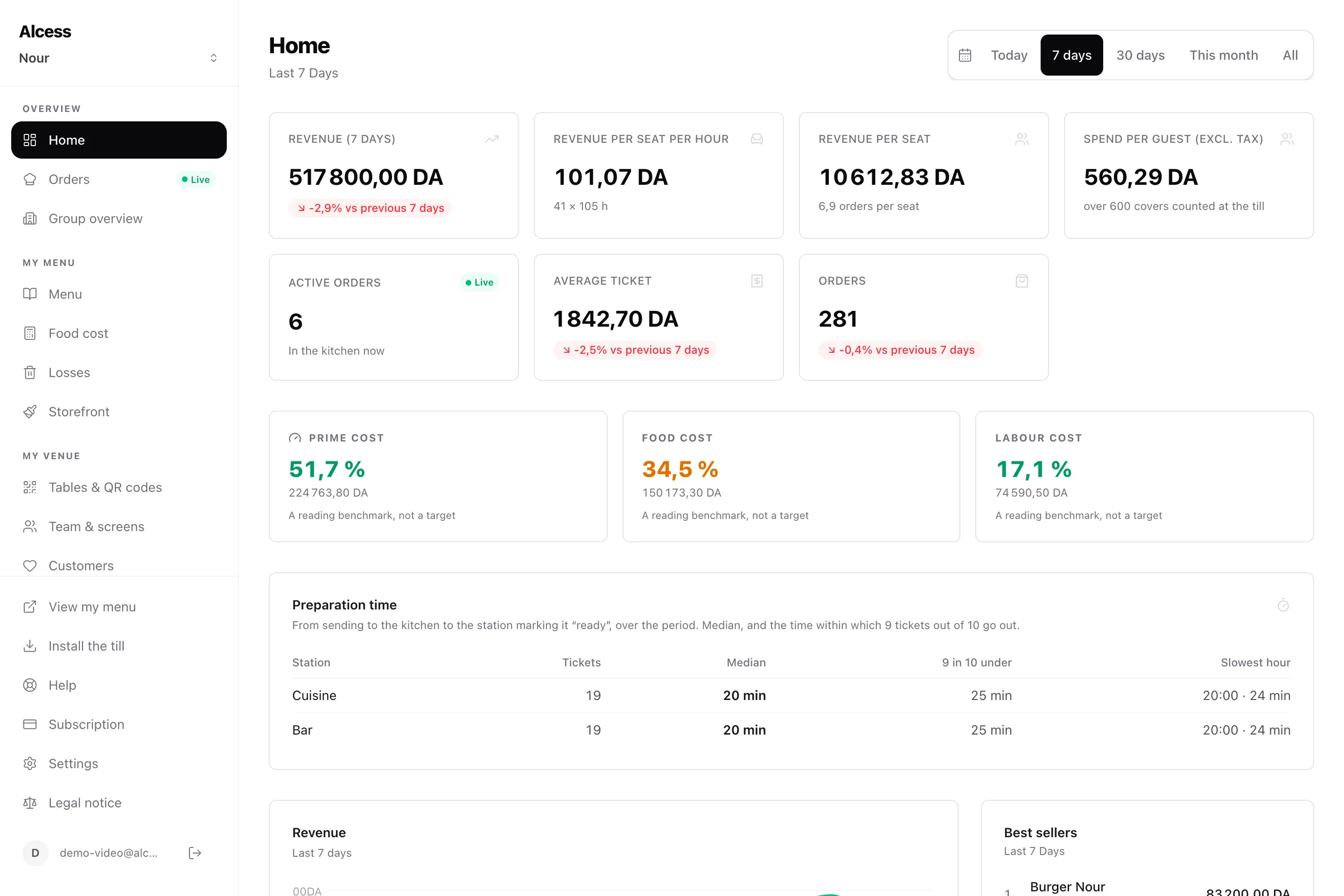
Preparation times
Per station: the median time, the time for nine tickets out of ten, and the hour the kitchen slows down.
Always online, and it says so
The kitchen display needs the network. An indicator announces the outage instead of letting tickets silently stop arriving.
Frequently asked questions
All questionsHow many kitchen screens can I have?
One per preparation station: hot, cold, bar, pastry, pass. Each dish on the menu is linked to the station that prepares it.
Do I need to buy a special screen?
No. A tablet, a computer or a TV with a browser is enough. An Android tablet with the app is recommended: it stays on and chimes without anyone touching the screen.
What happens if the internet drops in the kitchen?
The kitchen display only works online, and says so. The till keeps selling offline. Plan a backup connection, such as a phone’s 4G hotspot, if your kitchen relies on the screen.
Is a ticket marked ready by mistake lost?
No. The Recall button shows the last finished tickets and puts one back on screen with a tap.
The rest of Alcess
One menu, one team, one register: every part builds on the others.
Your restaurant can run on Alcess tonight.
You pay, you set up your menu, you install the till and the kitchen screen: the first receipt comes out the same day.
No commission · No commitment · No kiosk to buy