Every table orders at the same time.
The guest scans the QR code on their table, browses the menu in their language, orders and pays by CIB or EDAHABIA card — or pays at the counter if you prefer. No app to install, no account to create.
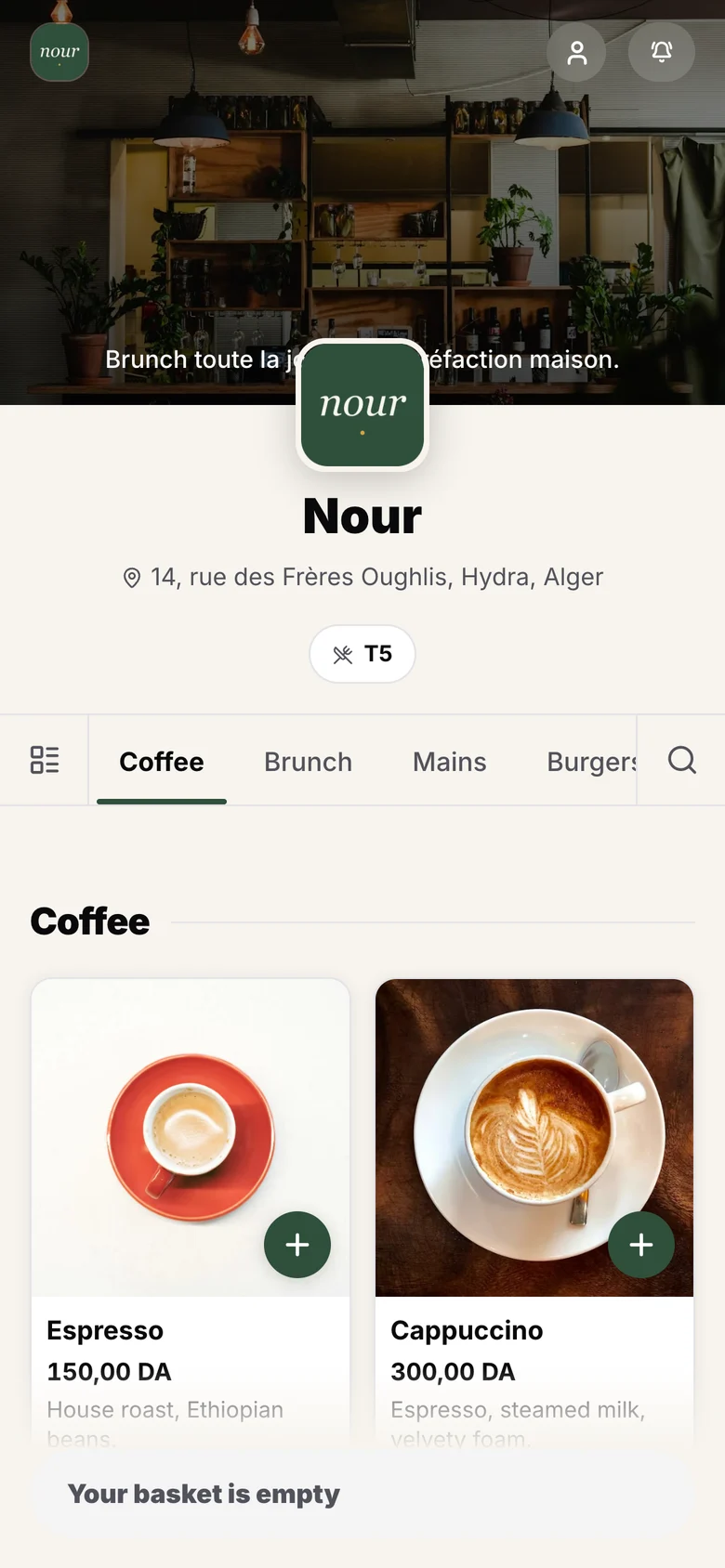
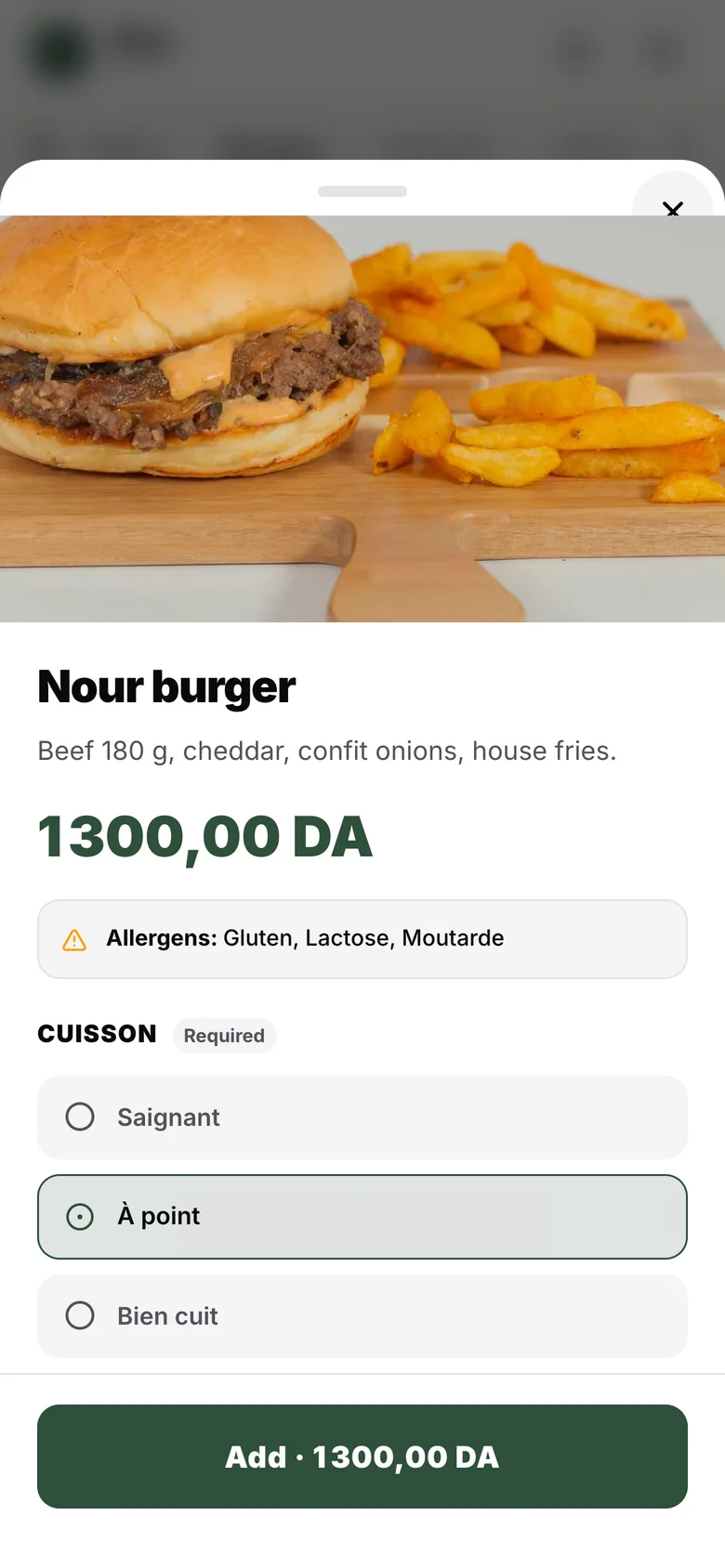
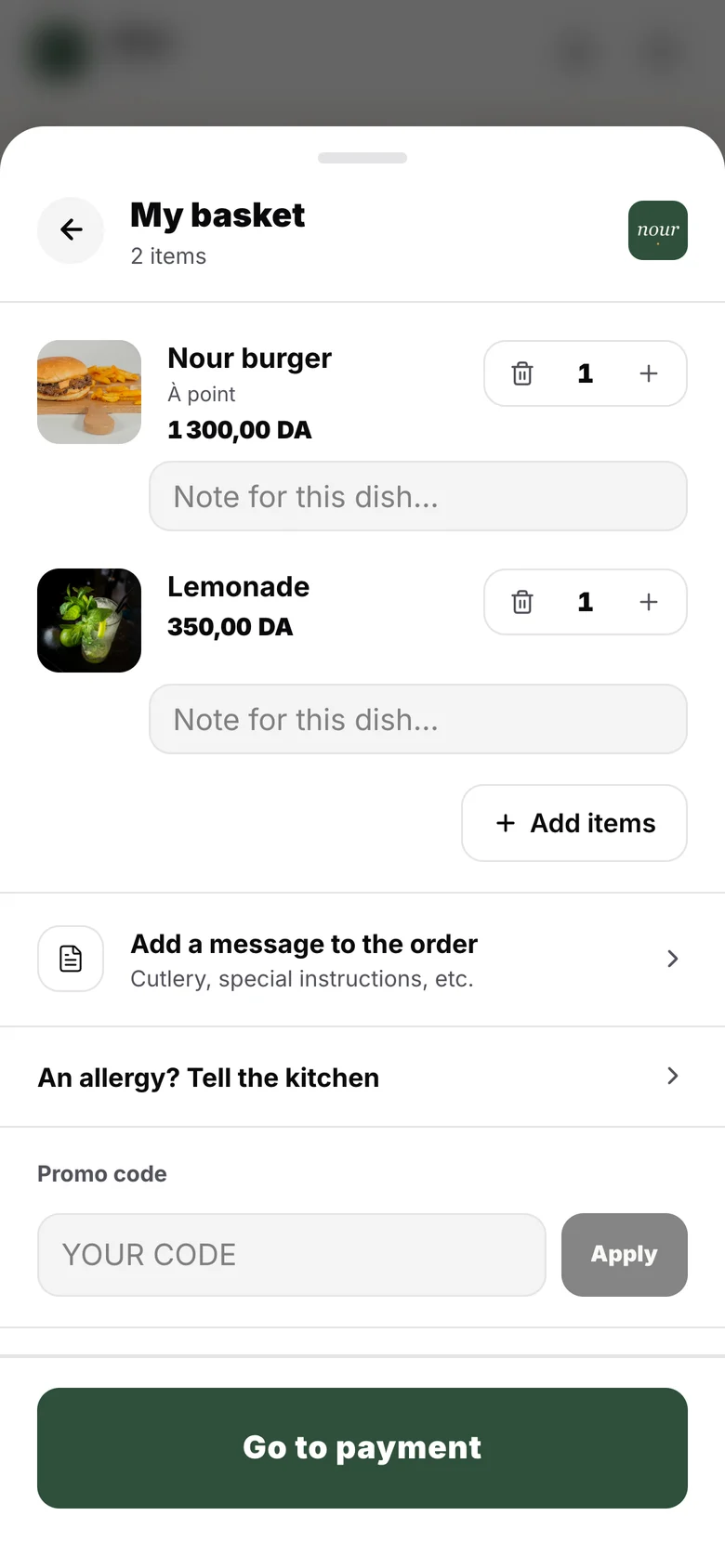
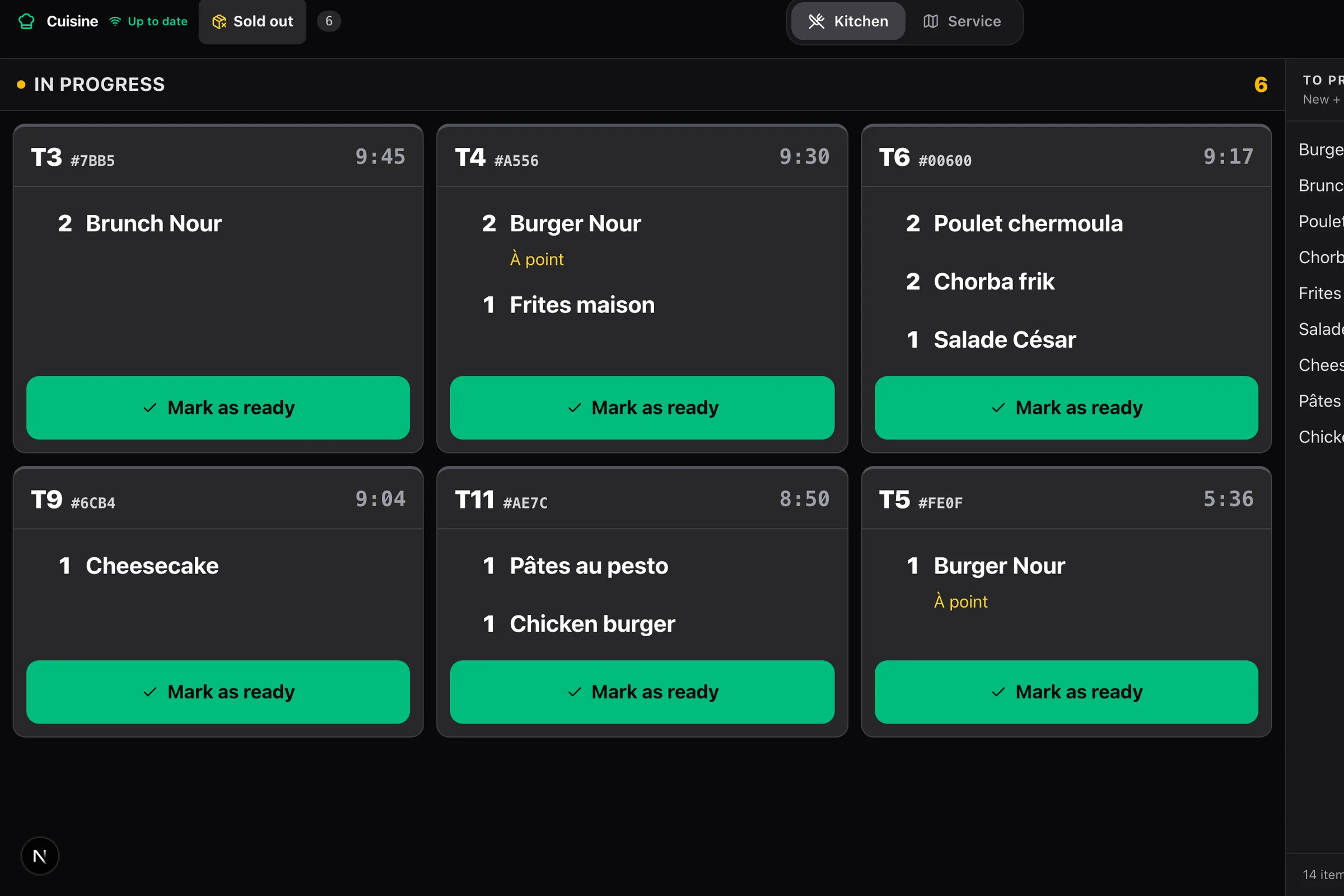
From the table to the kitchen, without waiting for a server.
What the guest experiences, from their phone.
- 01
They scan
The table’s QR code opens your restaurant’s menu, in your colours. The table is recognised: nothing to type.
- 02
They choose
Photos, descriptions, allergens, options and set menus. Only the dishes available at that hour are shown, and a sold-out dish disappears live.
- 03
They pay
By CIB or EDAHABIA card, on Chargily’s secure page, in their language, with a tip if they wish. The money goes to your account.
- 04
They follow their order
The order goes to the kitchen as soon as payment is confirmed. Their phone shows “preparing”, then “ready”, and they keep their receipt.
A menu that looks like you, in three languages.
You build the menu once: categories, photos, descriptions, allergens, required or optional choices, set menus. Translate your dishes into Arabic, French and English, and every guest reads the menu in their own language.
- Time slots: the lunch menu at lunch, the dinner menu at dinner
- Suggestions before checkout, and “order the same again” from the last visit
- Dine in or take away, if you accept it
Online payment, into your own account.
Payment goes through Chargily, by CIB or EDAHABIA. Each restaurant collects into its own merchant account: Alcess never touches the money from your sales and takes no commission.
- A sale is only recorded on Chargily’s signed confirmation, never on the browser’s word alone
- The complete tax receipt stays available through its link, and can be shared on WhatsApp
- The guest can request an invoice in their company’s name
Or payment at the counter.
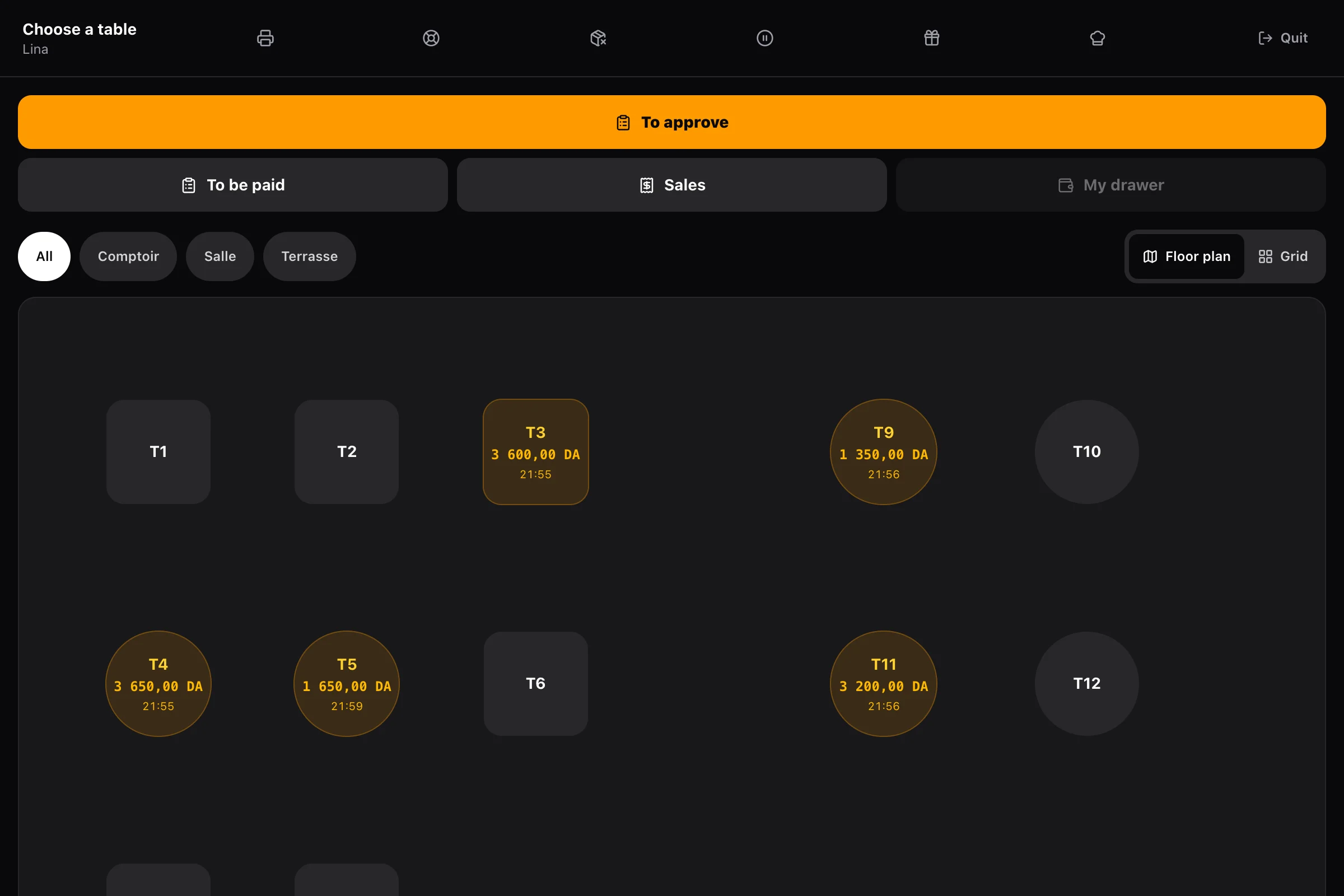
If you prefer to take payment yourself, turn on counter payment: the guest’s order reaches the till, a team member approves it, and only then does it go to the kitchen. The guest pays at the counter, in cash or by card.
- No order reaches the kitchen without approval
- An order can be declined from the till
- Same numbering and same Z report as a sale made at the till
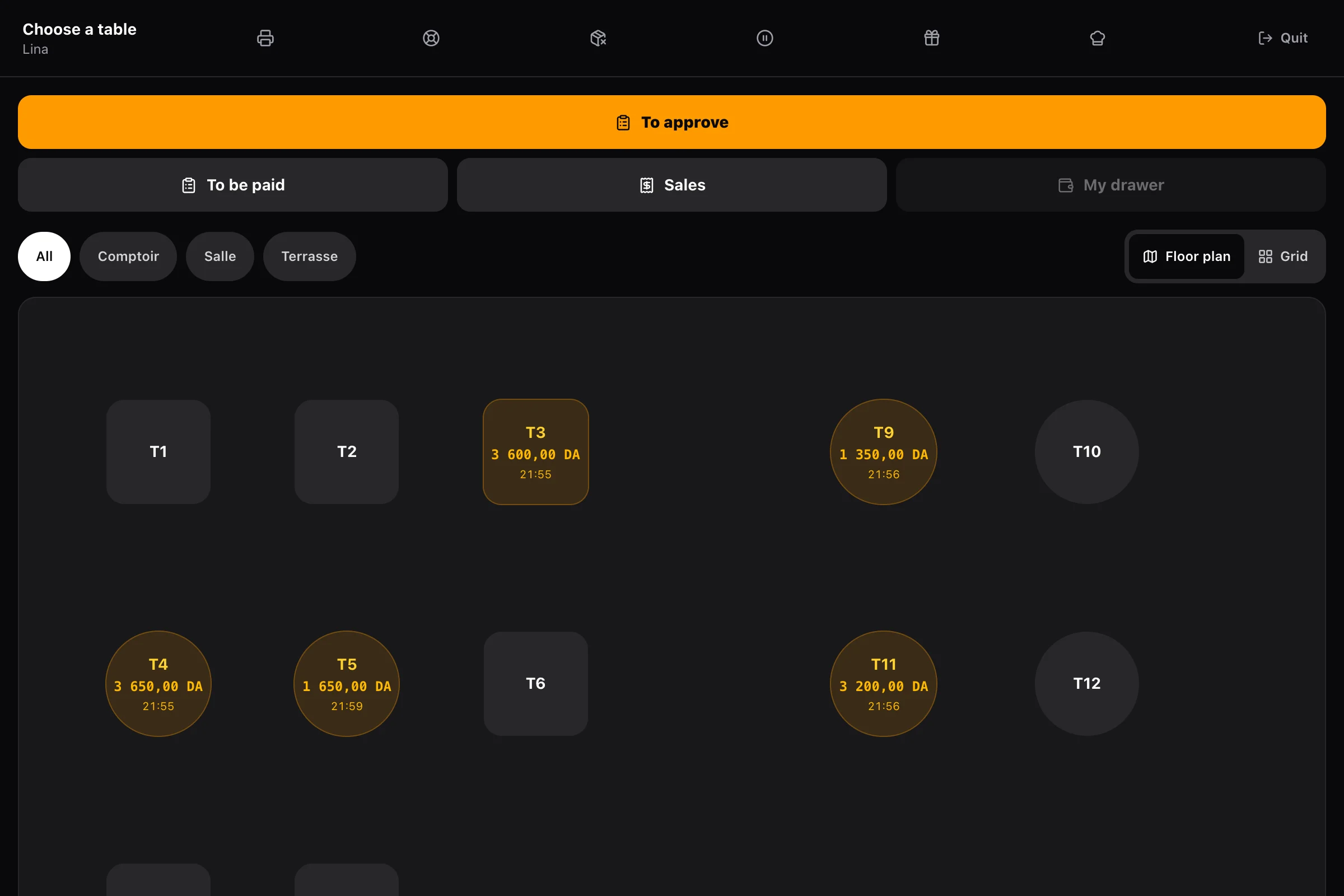
You stay in control of service.
When the kitchen is swamped, a manager pauses QR orders for fifteen or thirty minutes, or until the end of service. The guest sees a banner with the time ordering resumes; the till stays open.
- A sold-out dish or option disappears from the menu in one tap
- Call a server from the table, if you turn it on
- Guest reviews, left only after paying
Loyalty, promotions and more
Loyalty programme
The guest signs up with their number, verified by code, collects points and redeems rewards. They can withdraw their consent at any time.
Promo codes
Create a code; the guest sees the discount before paying. It applies line by line, so VAT stays correct.
Gift cards
Sold at the till, used as a payment method, with their balance available on request.
Allergies
The guest reports an allergy from the fourteen allergens; it shows in red at the top of the kitchen ticket and is erased two days later.
Print-ready QR codes
Each table gets its QR code from the Tables screen, ready to print and stick.
Tips
The guest chooses their tip; it is shared according to the rule you set: to the table’s server, or pro rata to hours clocked.
Frequently asked questions
All questionsDoes the guest need to install an app?
No. The QR code opens the menu in their phone’s browser. There is no app to install and no account to create.
What if a guest wants to pay cash?
Turn on counter payment: the order waits for a team member’s approval at the till, then goes to the kitchen, and the guest pays at the counter as usual.
What fees apply to card payments?
No commission from Alcess. Only the fees of the plan you choose with Chargily apply, from 0% to 2.5% depending on the plan. The details are on the Pricing page.
Does table ordering work offline?
No: the guest needs the network to see the menu and order, and the kitchen to receive the ticket. If your room depends on it, plan a backup connection, such as a phone’s 4G hotspot. The till itself keeps selling offline.
The rest of Alcess
One menu, one team, one register: every part builds on the others.
Your restaurant can run on Alcess tonight.
You pay, you set up your menu, you install the till and the kitchen screen: the first receipt comes out the same day.
No commission · No commitment · No kiosk to buy